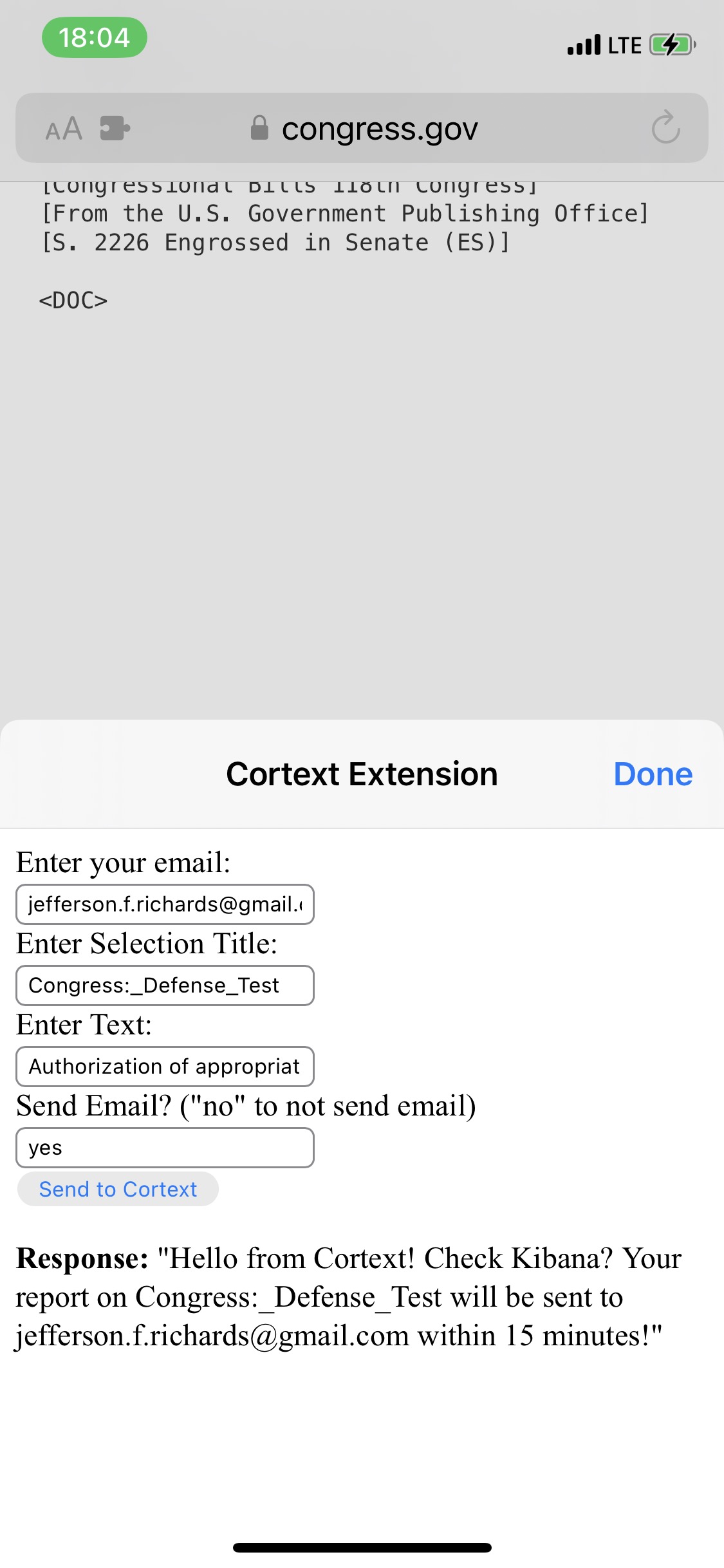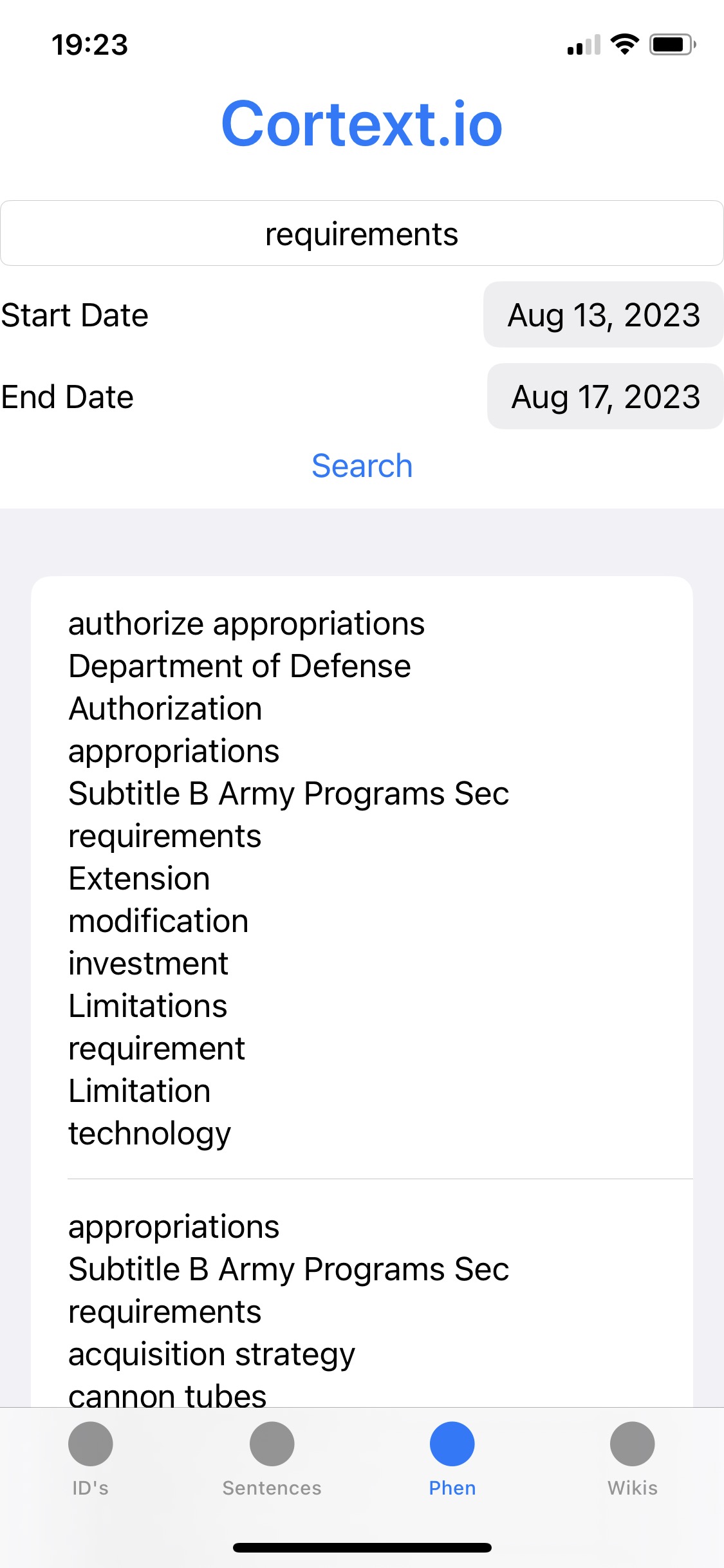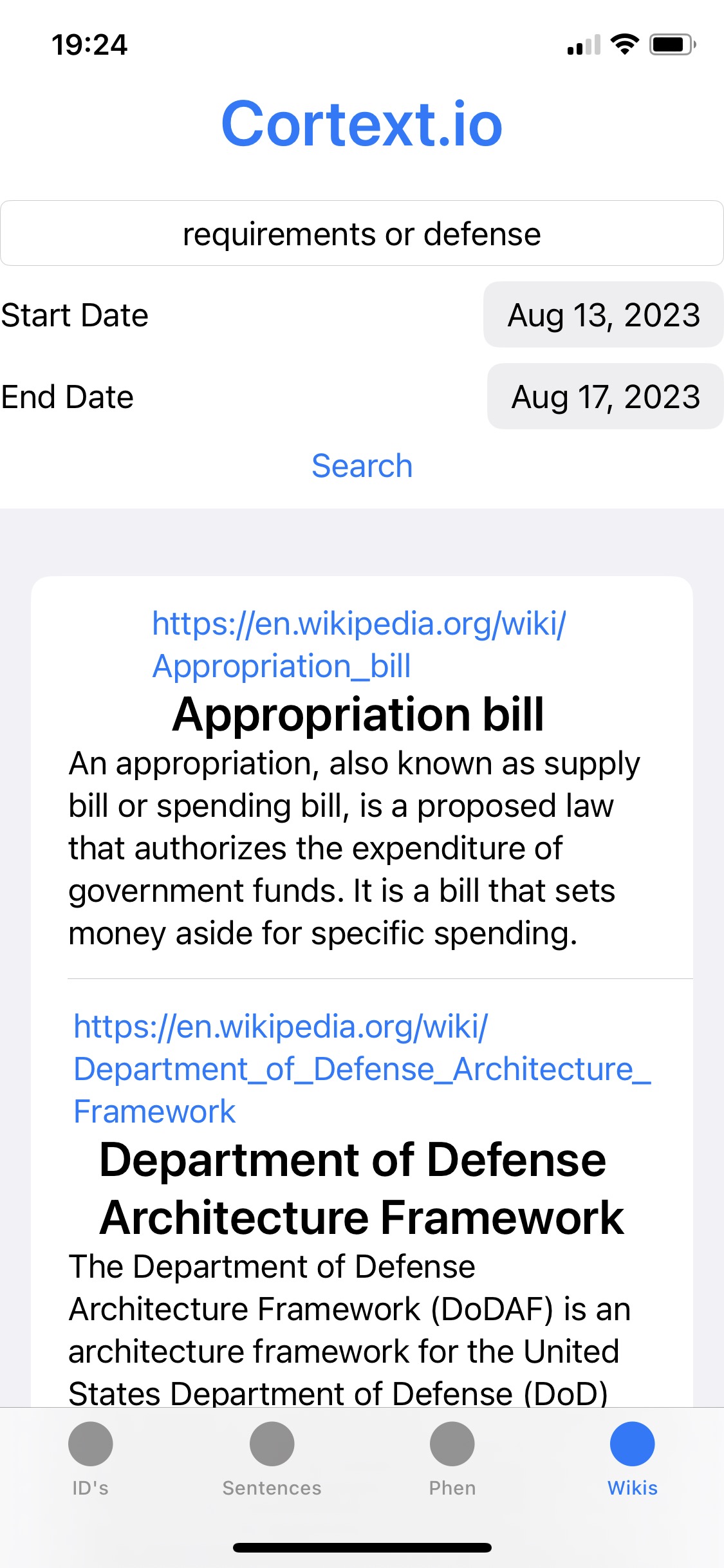
This extension can process the text from any english document. It is recommended you first copy and paste the text into a text editor (like Notepad, or equivalent) and then copy and paste, again, into the “Enter Text:“ field (to normalize encoding issues).
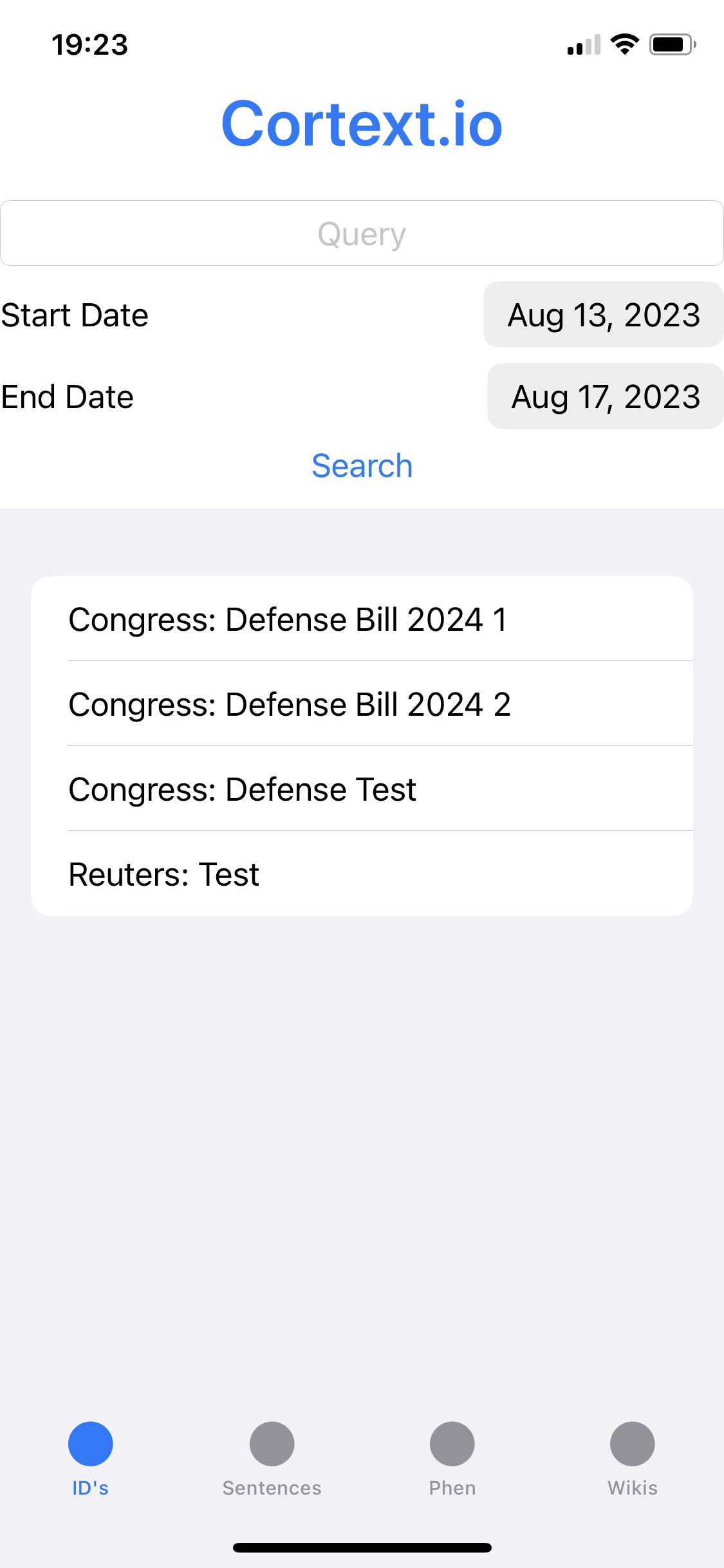
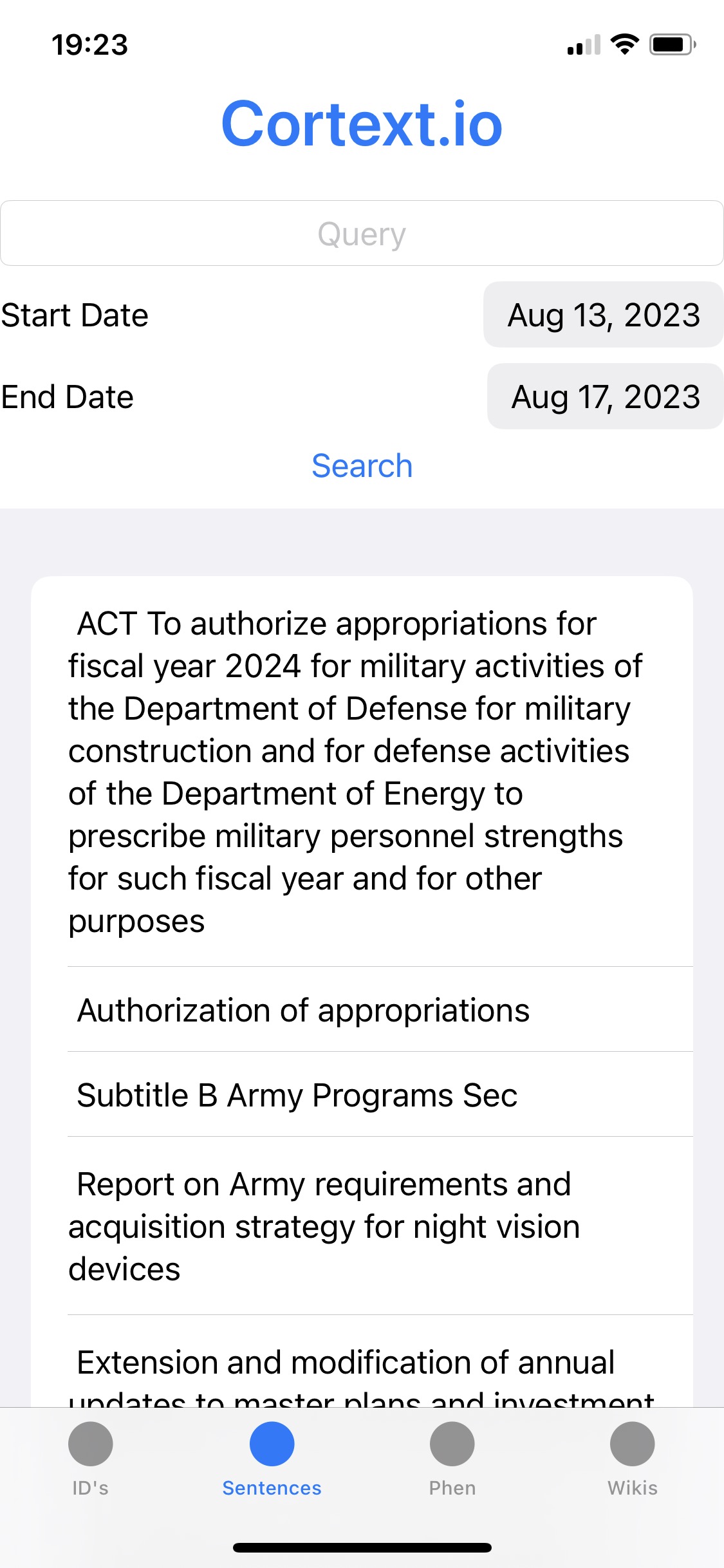
The document you send thru the Cortext Extension gets sent to the Event Cloud Dashboard - lined up with the daily news
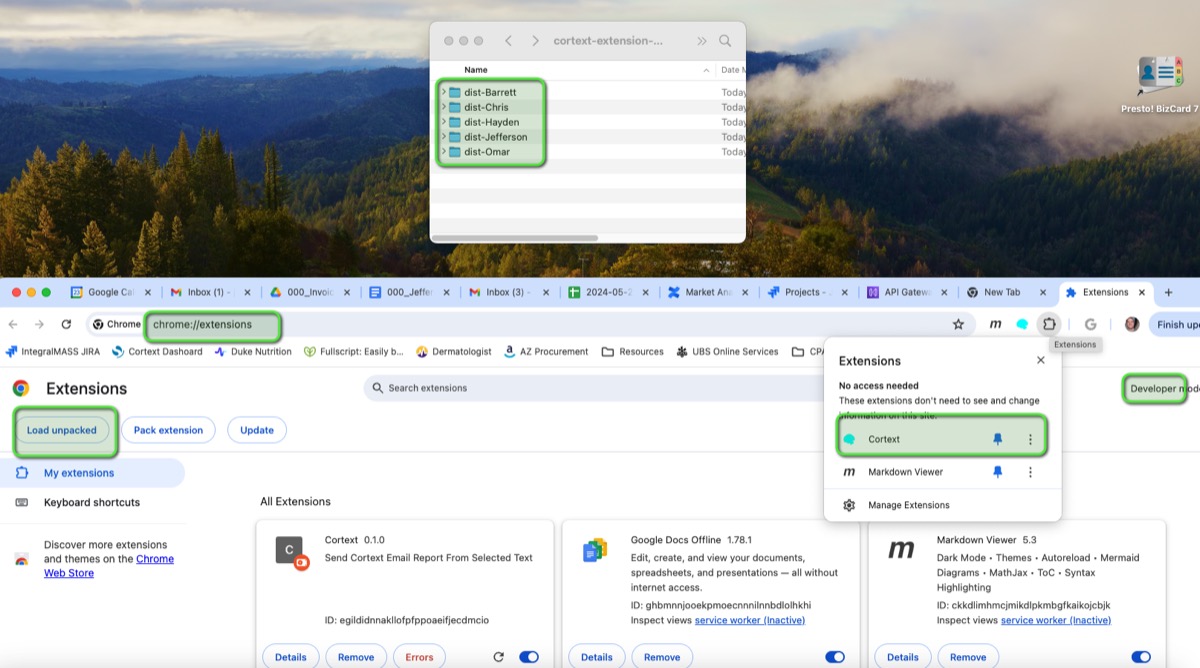
Download Extension from your link
Unzip Extension in Local Computer
Go to chrome://extensions in browser
Select Developer Mode
Select Load Unpacked
Select dist-Barrett folder
Pin Extension in Browser
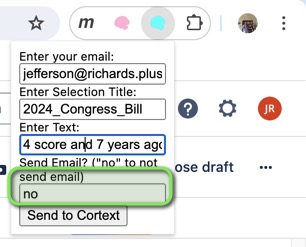
Note: if you do not want emails sent: type "no" here
Let me know if you have questions